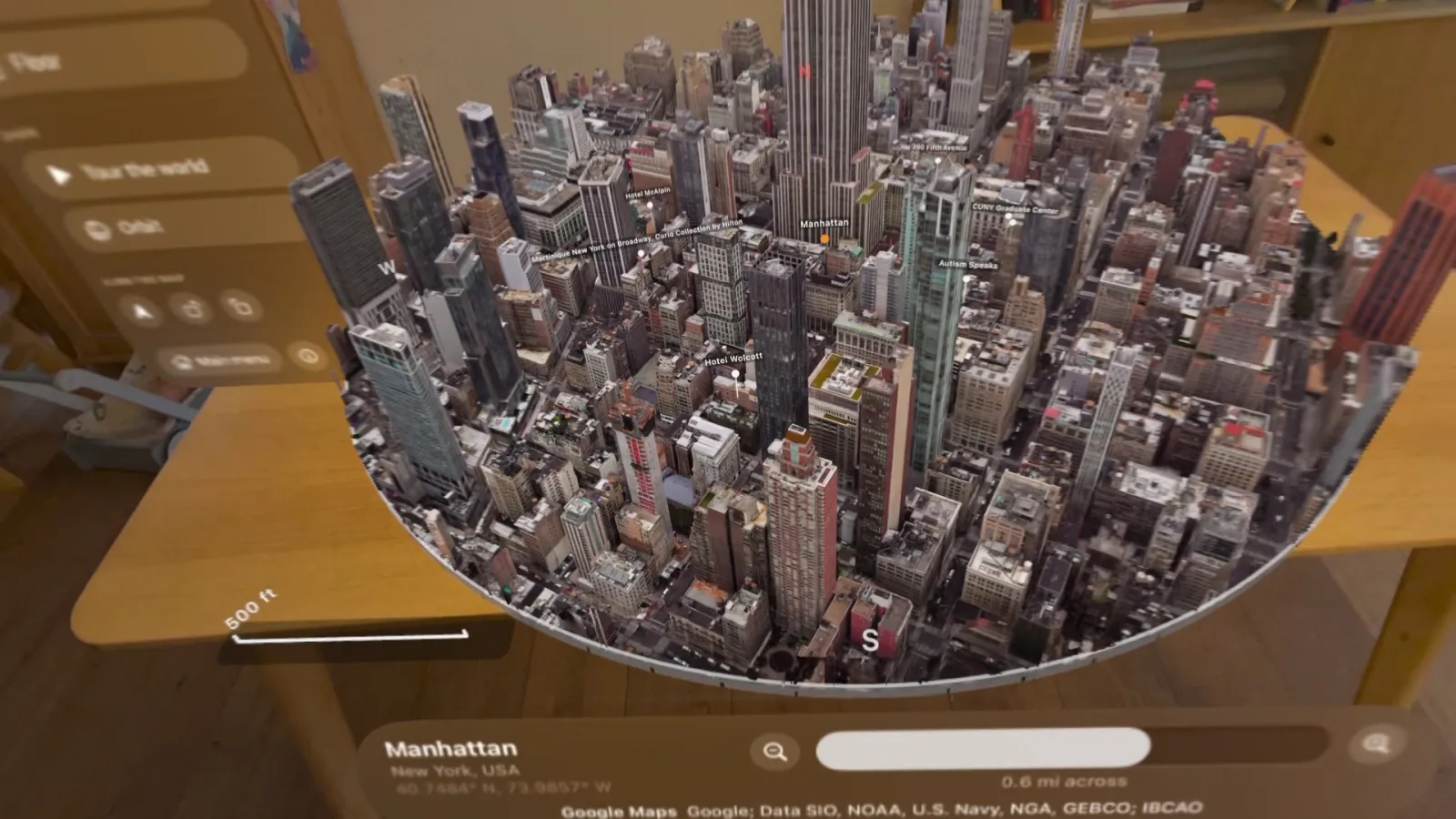
Explore with your hands.
Pinch and drag to move. Pinch with both hands to zoom and turn. Double-pinch where you're looking to fly straight there. Search any address, or jump to world landmarks.
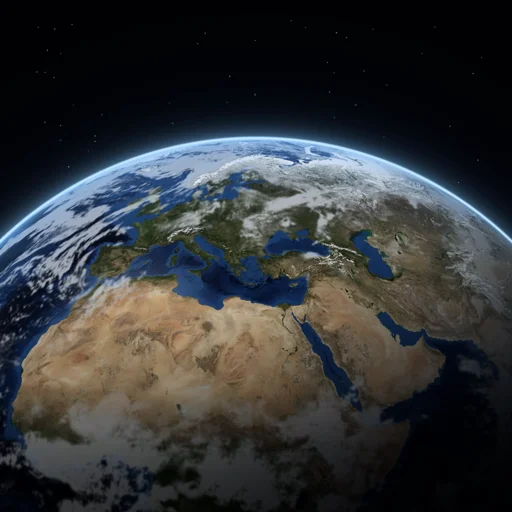
Earth3d puts real cities, mountains and coastlines in front of you in photorealistic 3D. Built for Apple Vision Pro.
View on the App StoreRequires Apple Vision Pro and an internet connection.
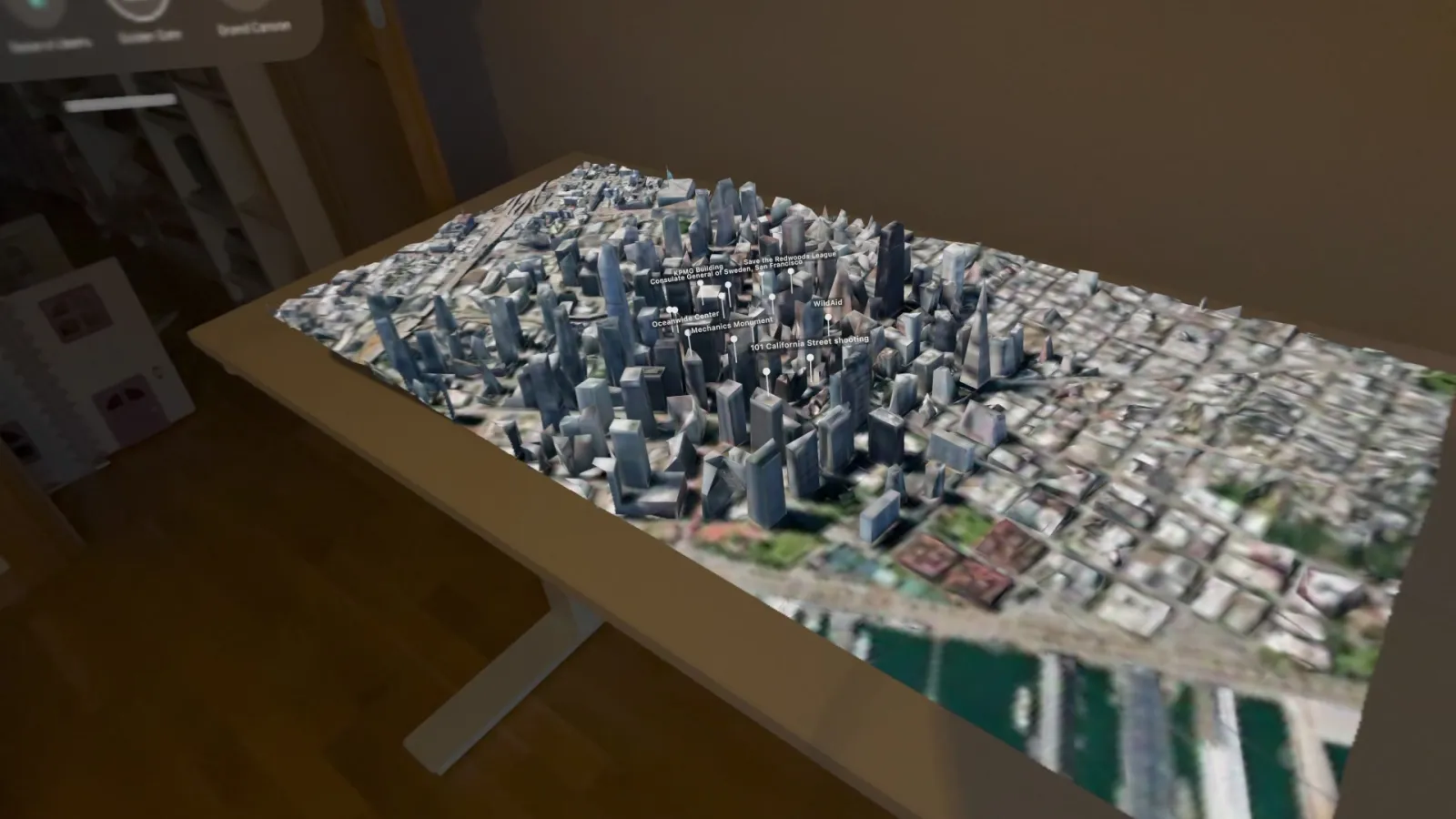
Pick a place and watch it rise out of its plate: every building, bridge and mountain modelled in 3D, the way it really looks.
A round 3D map you can move anywhere in your room.
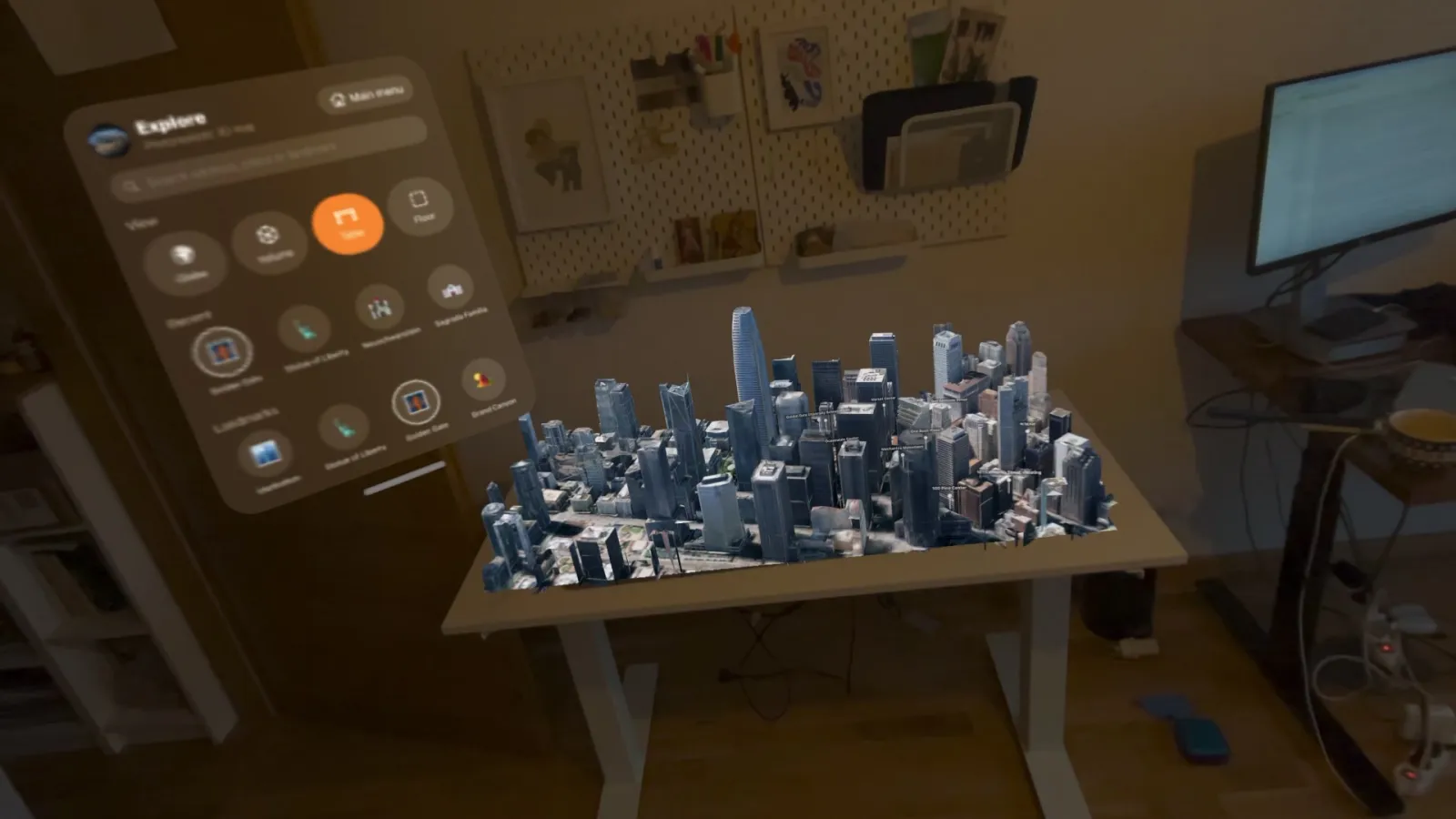
Spread a city over your real table. Real objects in front of it hide the map, so it feels like it's really there.
Lay a whole neighbourhood out on your floor and walk around it.
Hold the planet, spin it, and zoom from space down to a single street in one smooth motion.
Pinch and drag to move. Pinch with both hands to zoom and turn. Double-pinch where you're looking to fly straight there. Search any address, or jump to world landmarks.
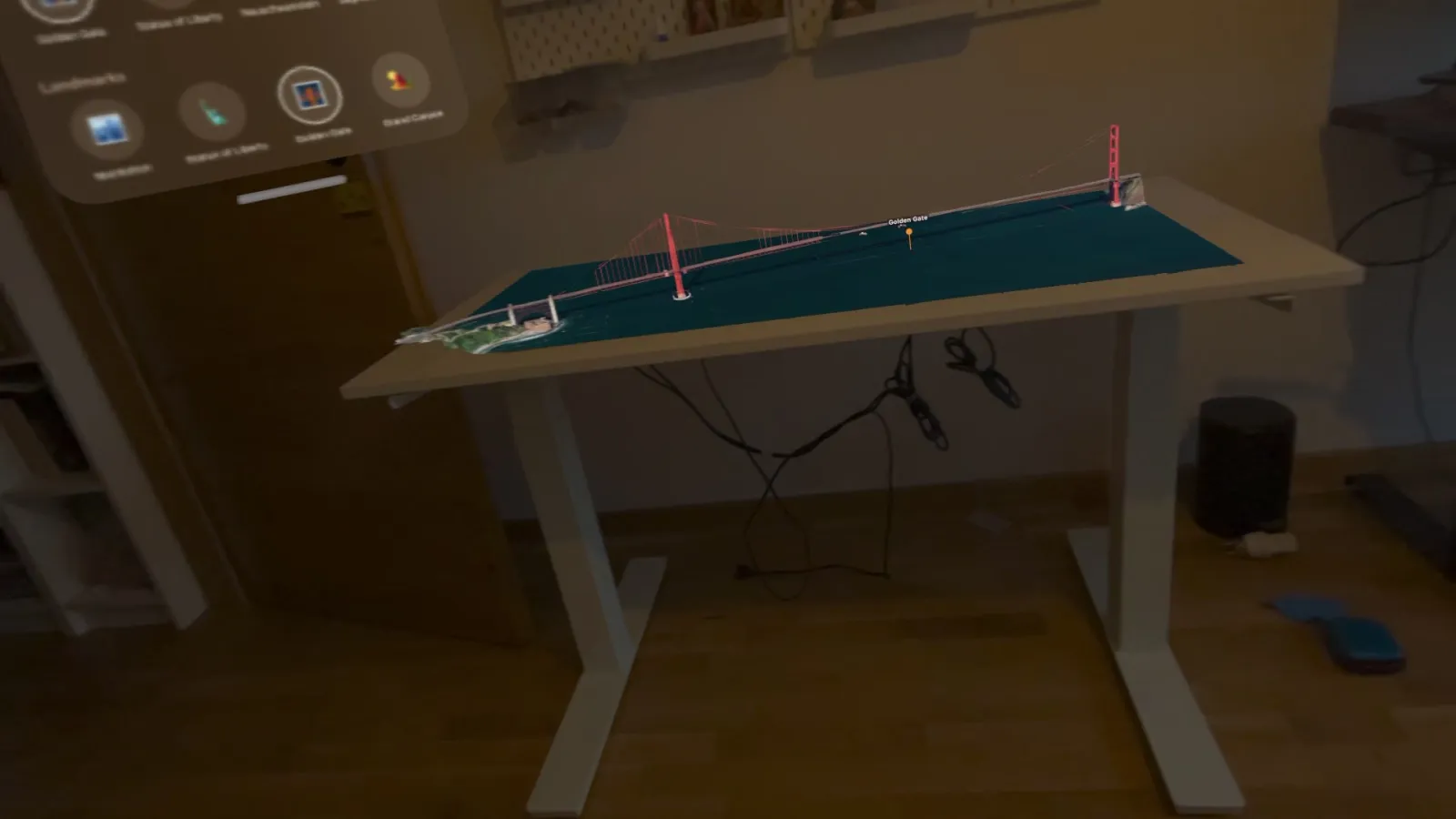
Pins show notable places around you. Pinch one for a short Wikipedia summary, key facts, a photo gallery and 360° panoramas you can step inside.
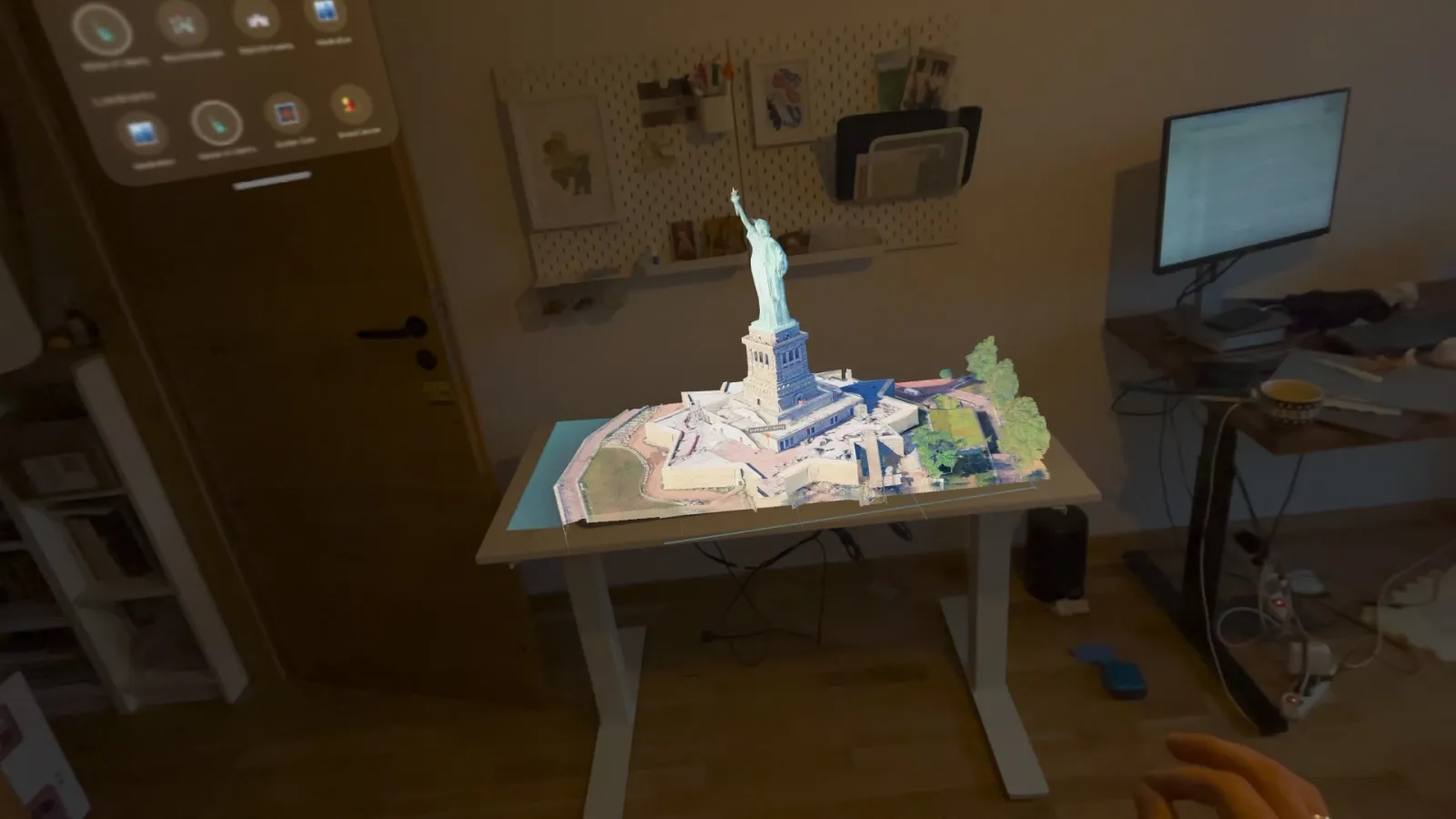
Tour the world hands-free, or let the map slowly orbit a city while you take it in.
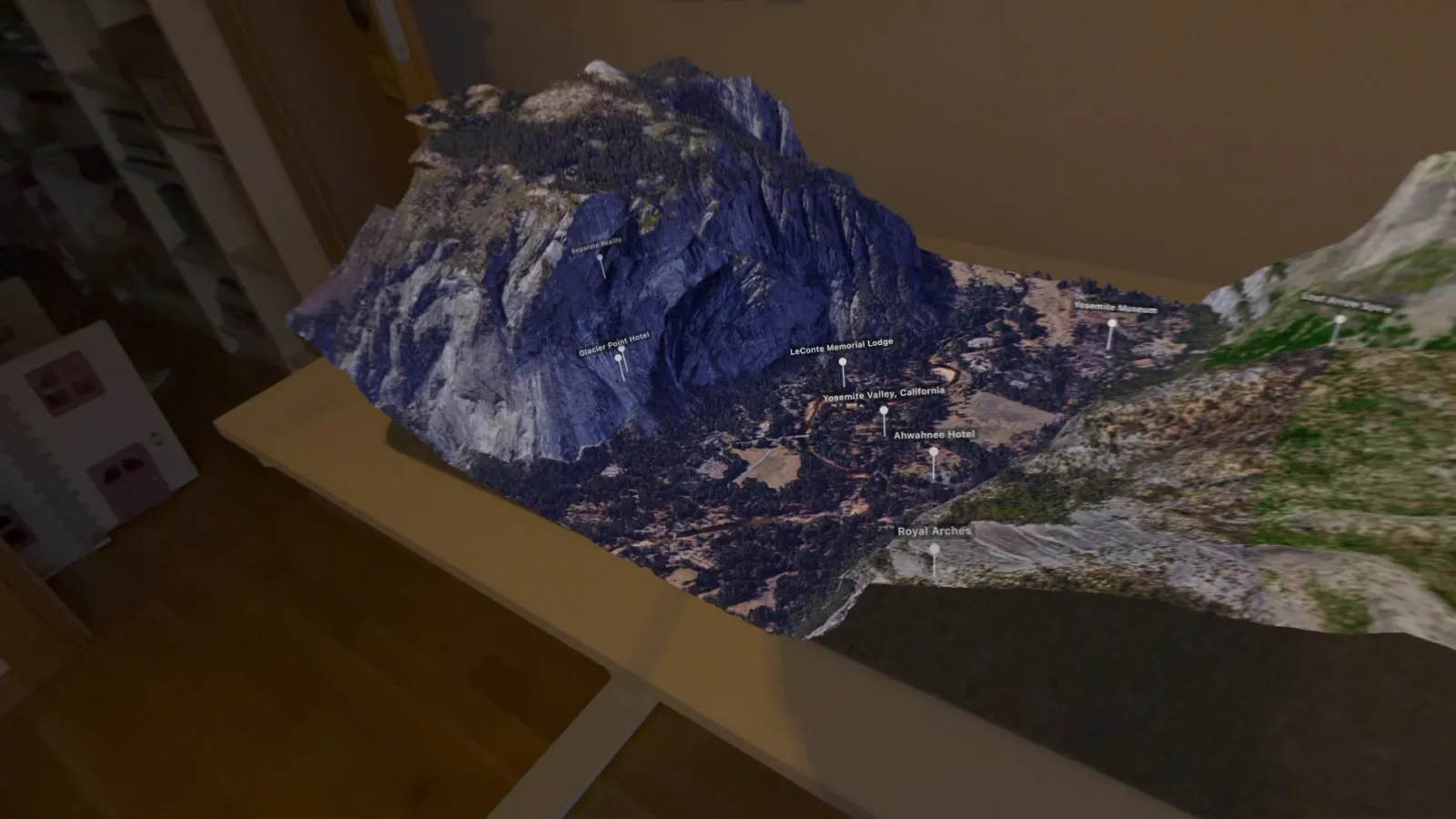
Real recordings from the headset, not renders.