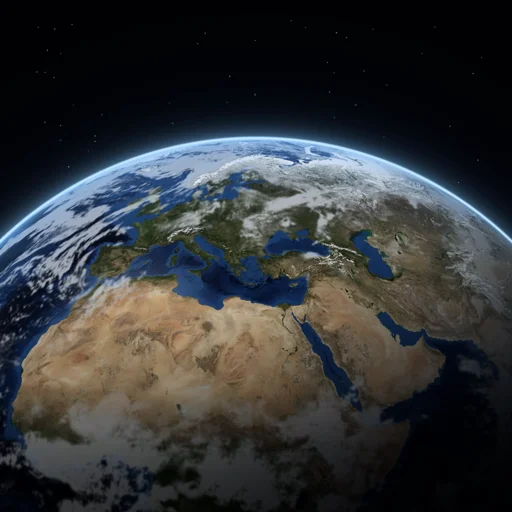
 Earth3d
Earth3d support
Help with Earth3d for Apple Vision Pro. Can't find an answer? Email szyk.adam@gmail.com; we usually reply within two working days.
Questions
The map stays blank or doesn't load.
Earth3d streams the map, so it needs an internet connection. If the app says today's limit is reached, it works again after the time it shows. Otherwise, quit and reopen the app.
Table or Floor doesn't find a surface.
Allow world sensing when Earth3d asks (or later in Settings → Privacy & Security → World Sensing → Earth3d). Then look slowly around the room so the table or floor can be scanned. A clear, well-lit surface works best.
How do I choose which table the map goes on?
Every surface found is outlined. Look at one for a moment, stand next to it, or pinch it, then confirm. To move the map later, choose "Change placement".
How do I move, zoom and turn the map?
Pinch and drag with one hand to move. Pinch with both hands and pull apart or together to zoom; twist to turn. Double-pinch where you're looking to fly there. The + and − buttons and the slider zoom with one hand.
How do I go somewhere specific?
Choose Search places in the toolbar to search for an address or place, or pick one of the landmarks.
Can I turn the sounds off?
Yes: About → Sound effects.
Does Earth3d collect my data?
No. There's no account and no tracking. See the privacy policy.
Contact
Email szyk.adam@gmail.com. Please tell us your visionOS version and what you were doing when the problem happened.